
Organization Permissions
An overview of organization roles and permissions on SkillsEngine.

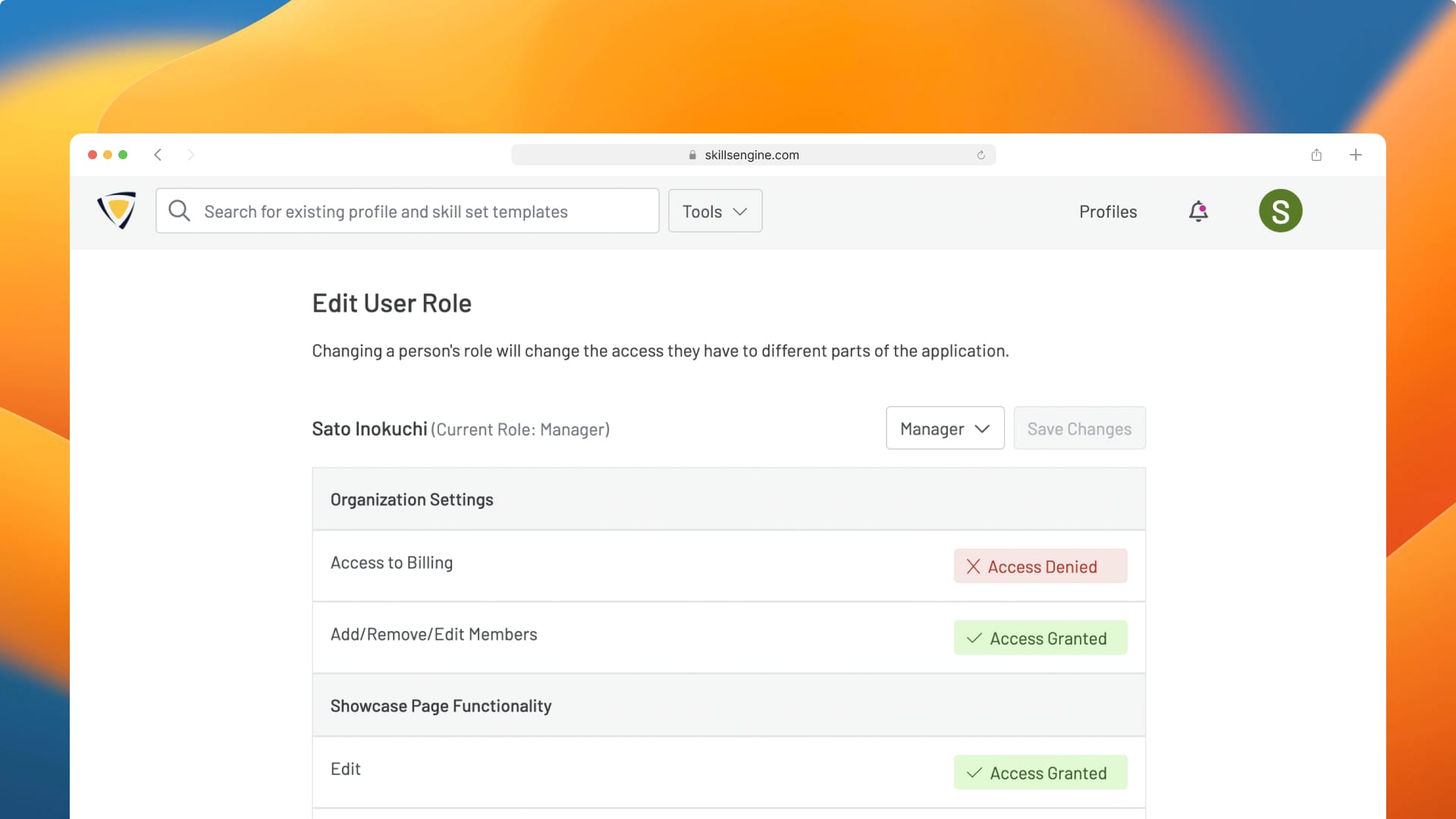
This article contains a detailed overview of organization roles and permissions.
If you would like to learn how to manage your organization, invite new members or change permissions, click here: Managing an Organization on SkillsEngine
Overview of Organization Roles
There are four Organization roles you can assign to organization members:
- Administrator: This role has access to all platform features and content within the organization.
- Manager: This role access to all platform features and content within the organization except for billing controls.
- Member: Has full edit access to profiles within the organization.
- Guest: Has view access only for profiles within the organization.
Permissions Table
This table provides a full overview of each organization role:
| Permission Type | Feature Access | Administrator | Manager | Member | Guest |
|---|---|---|---|---|---|
|
Organization Settings |
Access to Billing |
✅ | ❌ | ❌ | ❌ |
|
Add/Remove/Edit Members |
✅ | ✅ | ❌ | ❌ | |
|
Showcase Page Functionality |
Edit |
✅ | ✅ | ✅ | ❌ |
|
View |
✅ | ✅ | ✅ | ✅ | |
|
Profile Functionality |
View |
✅ | ✅ | ✅ | ✅ |
|
Create |
✅ | ✅ | ✅ | ❌ | |
|
Edit |
✅ | ✅ | ✅ | ❌ | |
|
Download |
✅ | ✅ | ✅ | ❌ | |
|
Delete own profiles |
✅ | ✅ | ✅ | ❌ | |
|
Delete other people's profiles |
✅ | ❌ | ❌ | ❌ | |
|
Share full profile editing |
✅ | ✅ | ✅ | ❌ | |
|
Share profile collaboration |
✅ | ✅ | ✅ | ❌ | |
|
Share profile view access only |
✅ | ✅ | ✅ | ❌ | |
|
Update Public/Private Status |
✅ | ✅ | ✅ | ❌ | |
|
Profile Feedback Functionality |
Start |
✅ | ✅ | ✅ | ❌ |
|
End |
✅ | ✅ | ✅ | ❌ | |
|
Invite Reviewers |
✅ | ✅ | ✅ | ❌ | |
|
View Results |
✅ | ✅ | ✅ | ❌ | |
|
Download Report |
✅ | ✅ | ✅ | ❌ |